NARBE DEVICE TOOLSTRRS TRINKEY PREVIEW 0.2
TWO SWITCHES. YOUR WAY.

A little device.
A lot of possibilities.

Make your Trinkey work the way you want.
Choose a key or mouse button for each switch, save it, and you're ready.

Use desktop Chrome or Edge. Your settings stay on your device.

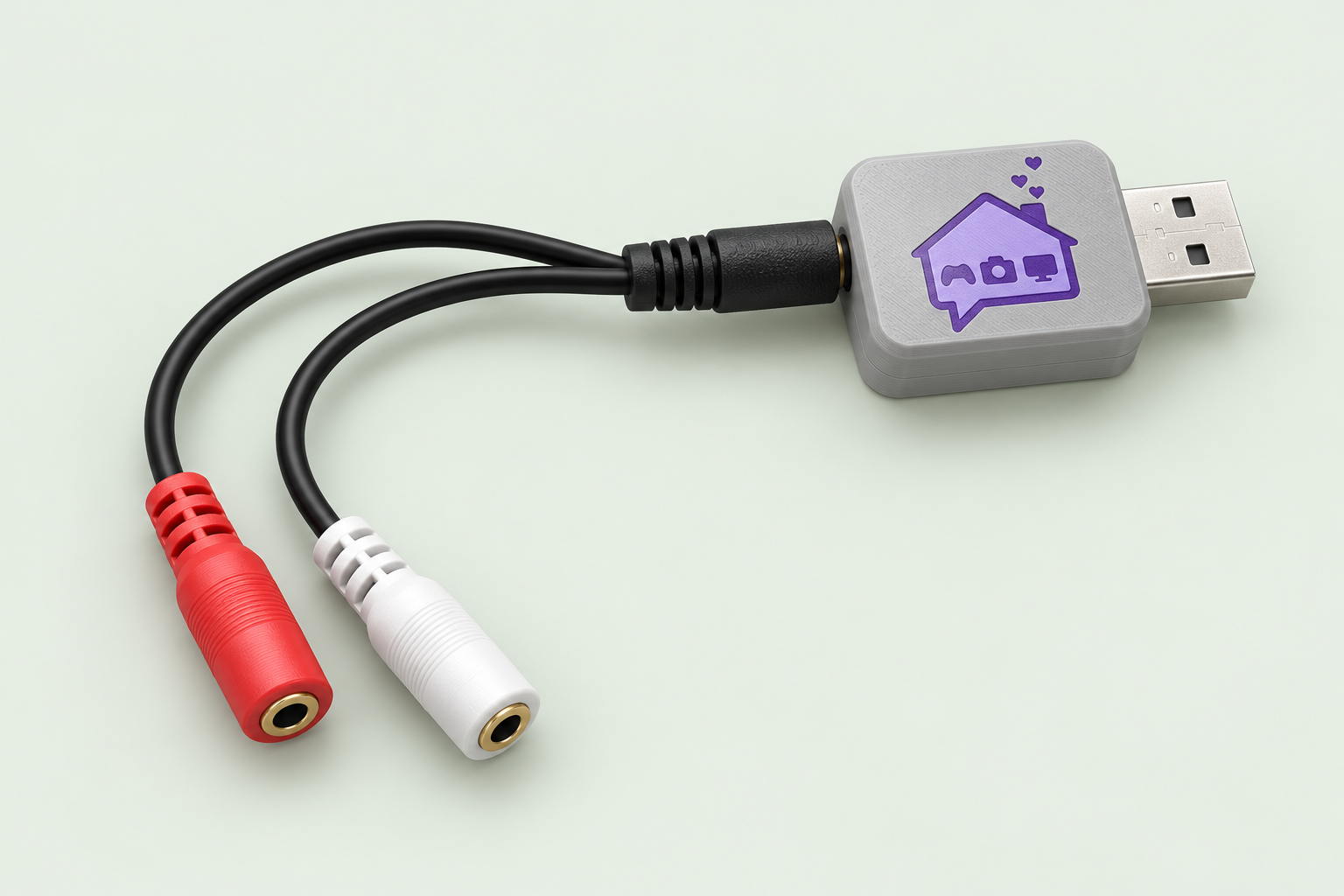
NARBE covered TRRS Trinkey with the purple house logo, USB connector, and red and white switch sockets
NARBE TRINKEY Two switches. One connection.

MAKE IT YOURS

What should your switches do?

Not connected
Connect your device, or explore the editor with a demo.
Switch wiring options

Keep Auto for the splitter you already use. If Switch 2 does not respond in the test, choose its contact here and save again.

Your defaults, ready to customizeSwitch 1: Space · Switch 2: Enter / Return

TRY IT OUT

A quick check before you go.

Start a test, then press and release each physical switch. When both switches pass, we'll finish the test automatically.

During this test, switch presses won't type or click in other apps.

01Switch 1Waiting for a test
02Switch 2Waiting for a test

First visit with this Trinkey?

Older devices need a one-time setup before they can connect to this page.

Need a hand connecting?

Close other serial apps, try another USB port, and reconnect. Only one app can use the connection at a time.

KEY CAPTURE

Press your preferred key.

Use your computer keyboard. Hold Ctrl, Shift, Alt, or Windows / Command to add a modifier.

Listening…

Some system shortcuts cannot be captured. Use the dropdown for those keys. Escape can be assigned here; use Cancel to close.

ONE-TIME SETUP

Get your Trinkey ready.

Use this once for a Trinkey with the original NARBE switch software. This site handles the update and saves a recovery copy in this browser. No manual downloads or file copying.

Keep just one Trinkey plugged in. Setup replaces its device software and starts with Space and Enter.

  1. Show the setup drive.

    Quickly press the small reset button twice. A drive named TRINKEYBOOT or TRRSBOOT will appear.

    Show Adafruit's reset-button instructions ↗
  2. Let this site prepare your Trinkey.

    Select that BOOT drive. We'll check the model, save its original software, and send the update. Keep it plugged in while the drive disappears and returns as CIRCUITPY.

  3. Finish setup.

    When CIRCUITPY appears, select it below. We'll install and check the remaining files.

  4. Reconnect and make it yours.

    Wait for the completion message. Eject CIRCUITPY, then unplug and reconnect the Trinkey. Close this guide and click Connect your Trinkey. Future visits start there.

Already using CircuitPython? Install or repair setup files

For a TRRS Trinkey already running CircuitPython 10.x: press reset once, then again during the yellow startup blink (within about one second). This slower sequence opens safe mode. Look for CIRCUITPY and repeating yellow blinks.

Restore original device software

Recovery copies stay in this browser on this website. Choose the copy for this unit, double-press its reset button, then select its BOOT drive. This restores its earlier software and bindings.

Clearing browser data or switching browsers/websites removes access to these stored copies. You can keep an optional copy after setup.